KB Article #2983
If you attempt to log in with a disabled or invalid username and password, you may get the error "Your username and/or Password are incorrect."
Use this guide to resolve a forgotten username or password.
If you forgot your username:
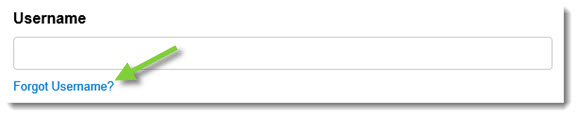
- From the CollisionLink Shop login page, click the Forgot Username? link.
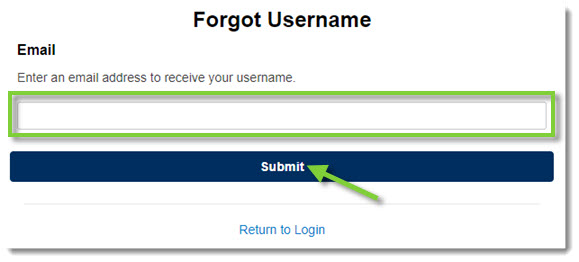
- Type the email address that you registered with in the Email field and then click Submit.
- An email providing you your username will be sent to your email address. Note: If you do not receive an email in your inbox, check your SPAM or Junk folders for emails from CollisionLink@OEConnection.com.

If you forgot your password:
- From the CollisionLink Shop login page, click the Forgot Password? link.

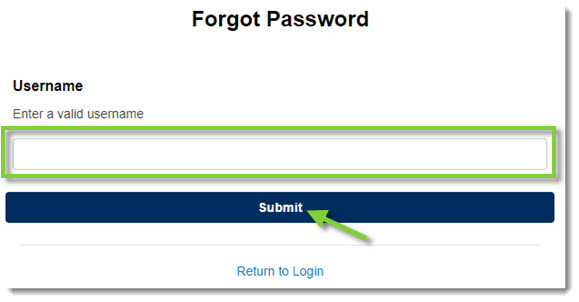
- Type your Username in the provided field and click Submit.
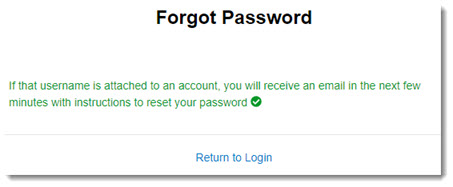
- An email will be sent to the email address associated with this username. Note: If you do not receive an email in your inbox, check your SPAM or Junk folders for emails from CollisionLink@OEConnection.com.
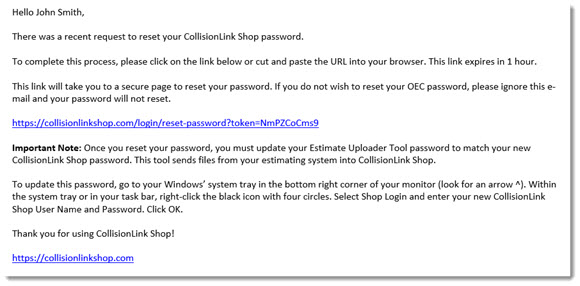
- Click the password reset link in the email or copy and paste the link into your Internet browser. This link will expire one hour after being sent.
- The Reset Password window will display. Type your new password in the Enter New Password and Confirm New Password fields. (Passwords are not case-sensitive.)
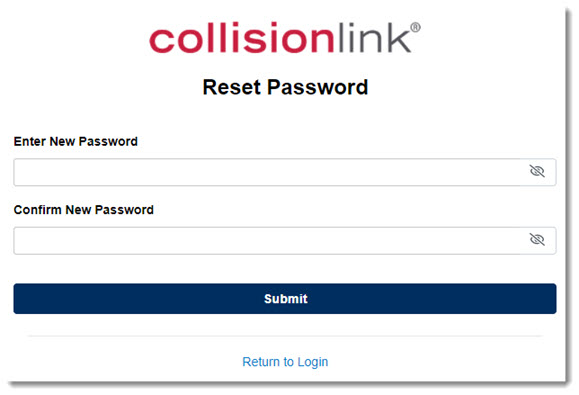
Passwords must:- Contain only letters and numbers (no special characters).
- Include at least one number.
- Be six to 20 alphanumeric characters long.
- When finished, click Update Password.
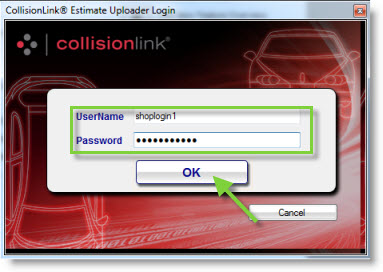
Important: If you change your password, you must also update the password used in the Estimate Uploader Tool installed on your computer. Launch the Estimate Uploader Tool and log in with your username and the new password you established.
- Right-click on the CollisionLink Estimate Uploader icon and select Shop Login from the menu.
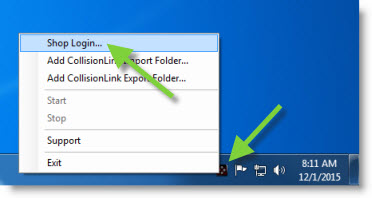
- Type your CollisionLink UserName and Password in the fields provided and click OK.