KB Article #3515
New to CollisionLink Shop?
Watch this short video to see how an order flows from your shop to a dealership and back again—in a matter of minutes!
Welcome to CollisionLink Shop!
This tutorial will take you through the process needed to configure CollisionLink Shop and start submitting orders today! Use these three simple steps to go from a beginner to an experienced CollisionLink Shop user:

Get your shop prepared to use CollisionLink Shop by walking through this quick one-time process. Set up accounts for whoever will be processing orders and select the dealers in the CollisionLink network that you want to purchase from. Click here to begin.
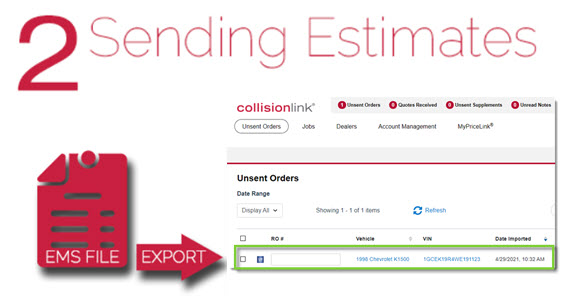
Now that CollisionLink Shop is set up, it's time to reduce cycle time! This module will show you how easy it is to turn collision estimates—written in your Estimate Management System (EMS)—into CollisionLink orders. Click here to begin.
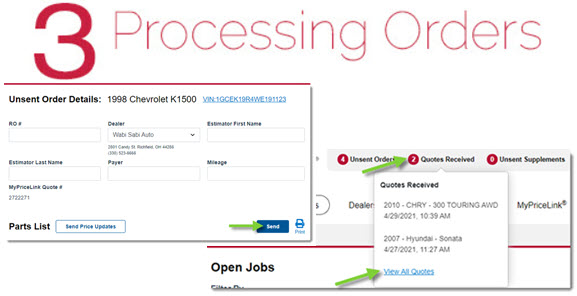
Now that you know how to create CollisionLink orders, see how easy it is to send it to your dealer, track their responses, and get your order fulfilled—all within a matter of minutes! Click here to begin.
That's it! With these three simple steps, you can begin submitting orders to your dealership and take advantage of exclusive automaker parts programs that offer you competitively priced, reliable OE parts against aftermarket parts.