KB Article #197
To process an order using Mitchell Repair Center:
- Click Repair Orders.
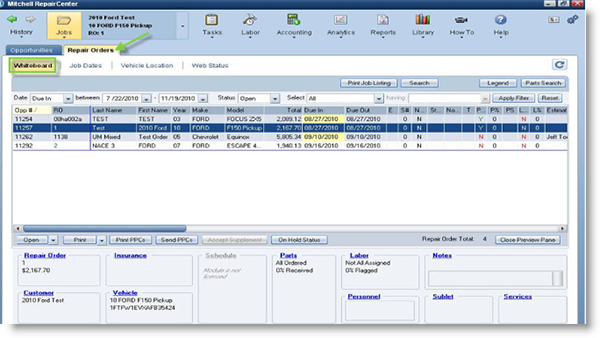
- Click Whiteboard.
- Double-click on the estimate.
- Click to highlight parts that need ordered.
- Select the Vendor from the drop-down list.
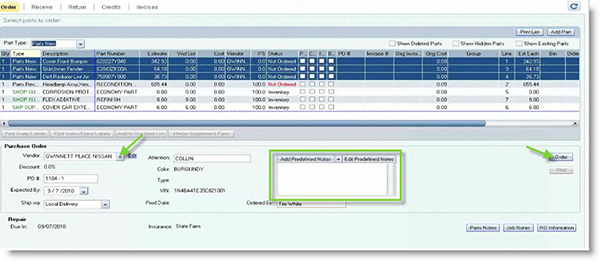
- Add notes by typing notes into the notes box.
- Click Order to transmit the order.
- Check the Include All Other Parts options.

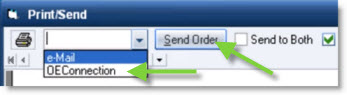
- Select OEConnection from the drop-down list and then click Send Order. (The Send Order button will highlight in green once the order is sent.)
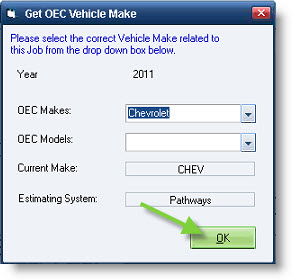
- The Get OEC Vehicle Make window will display. Select the correct make from the OEC Makes and OE Models drop-downs. Click OK to send the order.