KB Article #3512
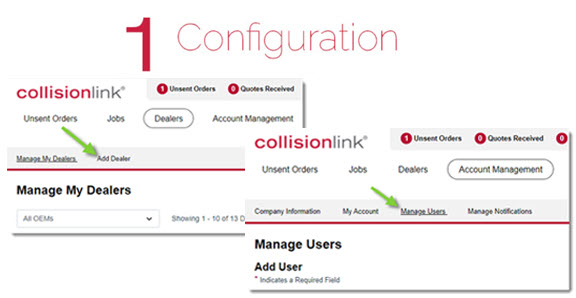
As the administrator, you have access to the features needed to set up CollisionLink Shop for your users.
Click the links below to get started!
1. Add Dealers (Required)
One or more dealers must be added. Search for and add a dealer in your area for each vehicle type you service.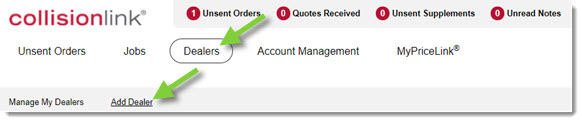
2. Add Notifications (Recommended)
Set up text or email notifications to be sent to anyone in your shop when a new note, photo, or response is received from a dealer. Note: All CollisionLink users can add notifications. 
3. Add Users (Optional)
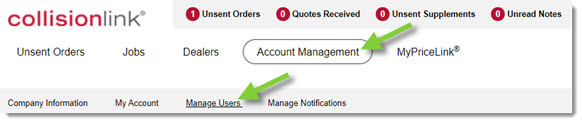
Manage your CollisionLink Shop users by creating personal credentials they can use to log in and submit orders.